A Crash Course in IT Basics
Start building your IT knowledge with commonly used terms and phrases in hardware, software, networking, and security.
Start Building Your IT Knowledge
If you're new to IT, you may be feeling confused or overwhelmed by all the technical jargon you're running into. While our programs are designed to teach you everything you need, we want to kickstart your confidence and help you make a bit more sense of the IT basics.
Use this crash course to get a better understanding of the commonly used terms you'll see in our certifications, programs, and career paths.
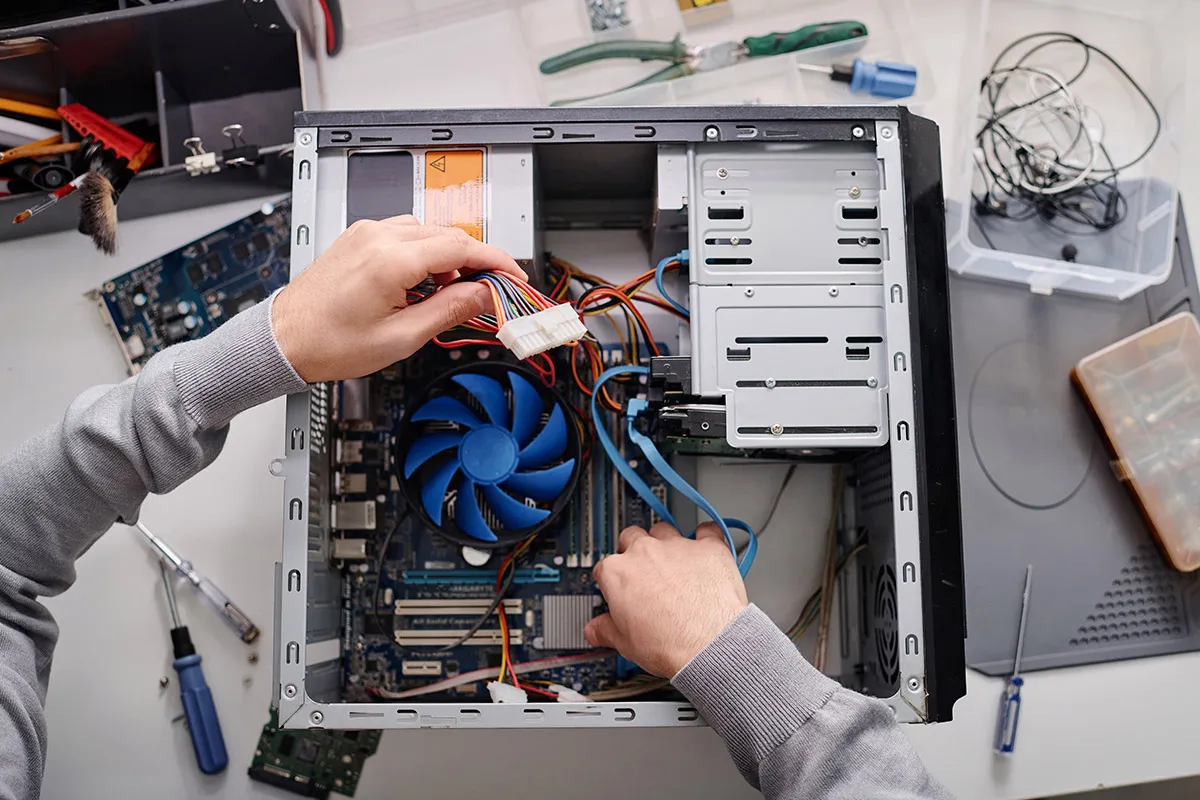
Hardware
Hardware refers to the physical components of the computer and the accessories. Examples: monitor, mouse, keyboard, processor, printer, touchpad.
Systems
- Mainframe Computer
- A large, powerful unit made for storing and processing data and information that's used by large corporations and organizations
- Personal Computer (PC)
- Used by individuals and includes desktop, notebook or laptop, and tablet computers
Components
- Central Processing Unit (CPU)
- The “control center” that reads the information and instructions from the hardware and software and provides the necessary responses
- Hard Drive
- The storage unit of the computer, from code needed to run software programs to saved songs and movies
- Random Access Memory (RAM)
- Working memory that allows a computer to interpret more data at once, including running several programs concurrently
Software
Software is the general term for computer programs that tell the system what to do. Examples: operating system, games, applications, and installed security.
Core Software
- Operating System
- Acts as the “traffic director” by supporting all the basic functions of the system, allowing you to access hardware and control programs (examples: iOS, Android, Windows)
- Applications
- Optional, non-vital programs that allow you to perform certain tasks (examples: Microsoft Word, Google Chrome, Photoshop)
Networks
A network is a link between systems and computers that allows for sharing resources, data, and communication. Example: the Internet.
Network Types
- Local Area Network (LAN)
- A small network that links the computers within a school or smaller business
- Wide Area Network (WAN)
- Connects computers across large distances, even globally (the Internet is a WAN)
- Wireless Local Area Network (WLAN)
- Links multiple systems through wireless network cards, such as wi-fi
Network Services
- Server
- A program or system that provides a service or functionality to another program or a device (examples: email servers such as Outlook, web servers that process http websites)
Security
Computer and network security protects the information and connections stored on computers and mainframes from being stolen or destroyed by attackers. Examples: firewalls, antivirus software.
Threats
- Malware
- Software with a purpose of damaging or shutting down another system or computer, such as a virus
- Hacker
- Person who breaks through computer security, often for malicious reasons
Defenses
- Firewall
- Hardware or software that is used to block hackers from accessing the computer or network
- Ethical Hacking
- Person who understands hacking and breaking through security in order to help businesses identify vulnerabilities and strengthen their security measures
Ready to Go Beyond the Basics?
Our programs take you from these fundamentals to industry certifications.